
How Do I Transfer Shekels into Interactive Brokers (IBKR)?
Hey, please read the financial disclaimer below before reading this.*
Okay, so you’ve decided to open an account. The next question I always get is: “How do I actually get my Shekels into Interactive Brokers?”
The answer is actually super simple: They have an Israeli-based bank account.
This means you don’t have to deal with complicated international wires or Swift codes. You essentially just do a regular bank transfer—like you’re paying a friend—from your Israeli bank to their Israeli bank.
However, there is a specific process you need to follow.
The Context: One Giant Pot of Money
You have to understand how Interactive Brokers works here. They have one bank account in Israel. Just one. But they have tens of thousands of people sending money to that account all the time.
It can be very confusing for them to figure out whose money is whose. They need a way to identify that your 5,000 Shekels belongs to your specific investment account.
Basically you first tell them “Hey, I’m about to send you money! Keep a look out for it.” Then when you transfer the finds you add your name and account number. This way they quickly and easily find and assign the funds to your account.
(Don’t worry if you missed any part of this, they will still be able to find and assign your funds, it may just take a little extra time or may need you to chat with support.)
The Process: Don’t Skip Step 1!
To make sure your money gets found and assigned to you quickly (usually within 2-3 days), follow these steps:
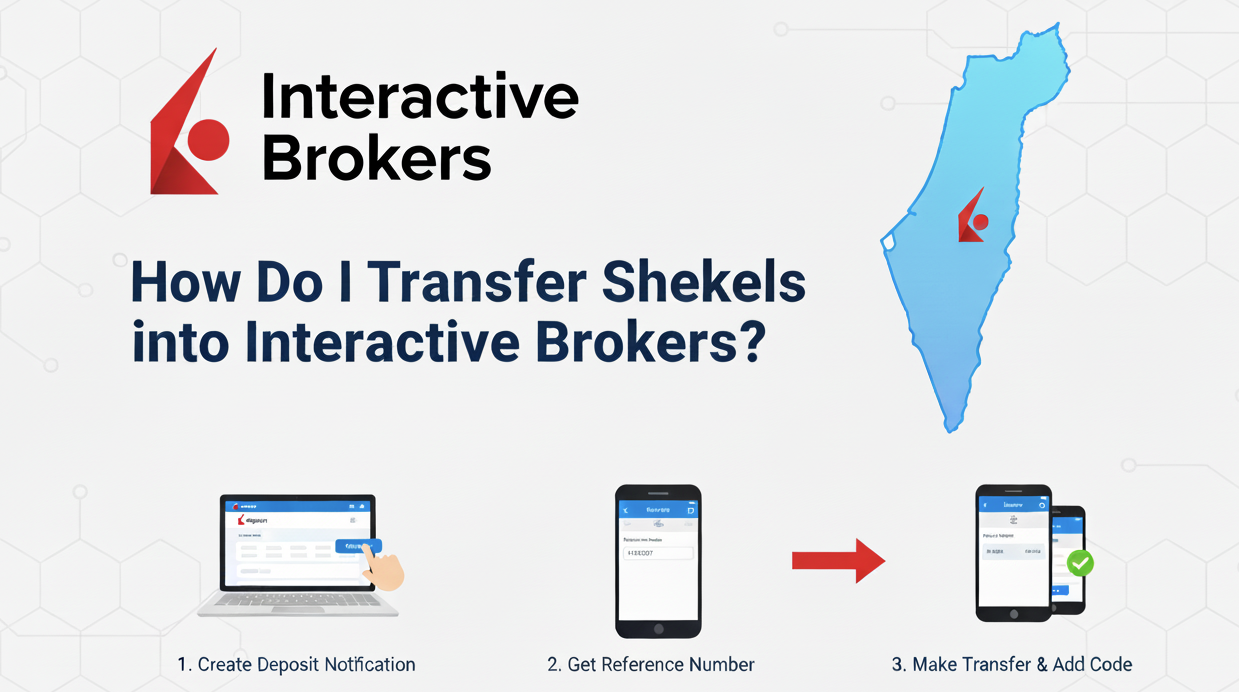
1. Create a “Deposit Notification” in IBKR
Before you send a single Shekel, log into Interactive Brokers and tell them the money is coming. You go to the deposit section and say, “Hey guys, please expect a transfer of X amount from Y bank account. That’s from me!”
- Select the currency you want to deposit (ILS)
-
You enter your bank details – where the money is coming from.
-
You enter the amount (e.g. 5,000 NIS).
-
You select if this is a One-Time deposit or a Recurring deposit (more on that later).
2. Get Your Reference Number (The Most Important Part)
Once you create that notification, IBKR will give you the bank transfer details. They will also give you a Reference Number.
This is usually your User Name / Account Number (it often looks like a “UA” followed by a bunch of numbers). Copy this number. Keep it somewhere easily accessible
3. Make the Transfer from Your Bank
Now, go to your Israeli bank website or app.
-
Set up a transfer to the IBKR account details provided.
- Their Israeli Shekel Bank Details are:
Bank: 22 – Citibank
Branch: 1 – Tel Aviv
Account: 620073059
Name: Interactive Brokers or אינטראקטיב ברוקרס
-
CRITICAL STEP: In the “Reference” or “Remarks” field of the transfer, paste your name and Reference Number.
That number is the secret code. When their system sees the money hit their account, they look at the reference number and say, “Ah, this belongs to Kovi.”
What if I Mess Up?
If you send the money without setting up the deposit notification, or you forget to put the reference number in—don’t panic.
They are not going to lose your money. It’s a legitimate company. However, the money may sit in limbo. It might take a few days, and you may have to contact support so they can hunt down your money and manually assign it to your account. It’s a headache you can avoid by just following the steps above.
My Recommendation: Set It and Forget It
It can be annoying to log into different apps every month to move money. The best way to invest is to automate it. Here is what I recommend:
-
On the Interactive Brokers side: Set up a Recurring Deposit notification. Tell them, “Expect 5,000 NIS every month.”
-
On your Bank’s side: Set up a Standing Order (Hora’at Keva). You can do this on your banking app or ask your banker to do it for you.
-
The Key: Make sure your banker (or you) adds that Reference Number to the permanent details of the Standing Order (Hora’at Keva).
Once you do that, you can forget about it. Every month, the money leaves your bank, hits Interactive Brokers with the right reference number, and shows up in your account automatically.
One Last Step: Turning Shekels into Dollars
Okay, so your 5,000 Shekels have landed in your account. You’re ready to buy stocks, right? Not quite.
Most of the stocks or funds you want to buy (like the S&P 500) are traded in US Dollars (USD). Before you can buy them, you need to swap your Shekels for Dollars.
Why IBKR is King here:
This is actually one of the best-kept secrets of using Interactive Brokers. Their exchange rates are incredible. They give you the “real” market rate (the interbank rate) and charge a tiny commission (usually around $2 or a very small percentage).
If you tried to convert this currency at your local Israeli bank, they would likely take a huge chunk of your money in “exchange rate spread” and hidden fees. IBKR is hands down one of the cheapest places to convert currency.
How to do it:
There are two easy ways to convert currency:
-
From the Menu: Look for the “Convert” option directly in the menu.
-
From Portfolio View: When you are viewing your portfolio, simply click on the currency you want to exchange (e.g., your ILS balance), and it will automatically take you to the currency conversion screen.
Once you’re there:
-
Choose From: ILS (Israeli Shekel) and To: USD (US Dollar).
-
Enter the amount you want to convert and click submit.
Once that is done, you’ll see your balance update to USD.
Note: There can sometimes be delays between when you convert the currency and when you can use it to trade. This can vary between a couple hours to a day or so (based on what day of the week and time of day you are trying to convert the currency).
*I am not a financial advisor or licensed professional. I am just a normal guy sharing my personal experience and opinions for entertainment and informational purposes. This should not be read as financial advice. If you want actual financial advice, please go to a licensed, registered service provider. I highly recommend speaking to Blue and White Finance (I’m not affiliated with them at all, they are just excellent and will be able to put you on the right track.)