
You Don’t Need a Degree to Learn AI
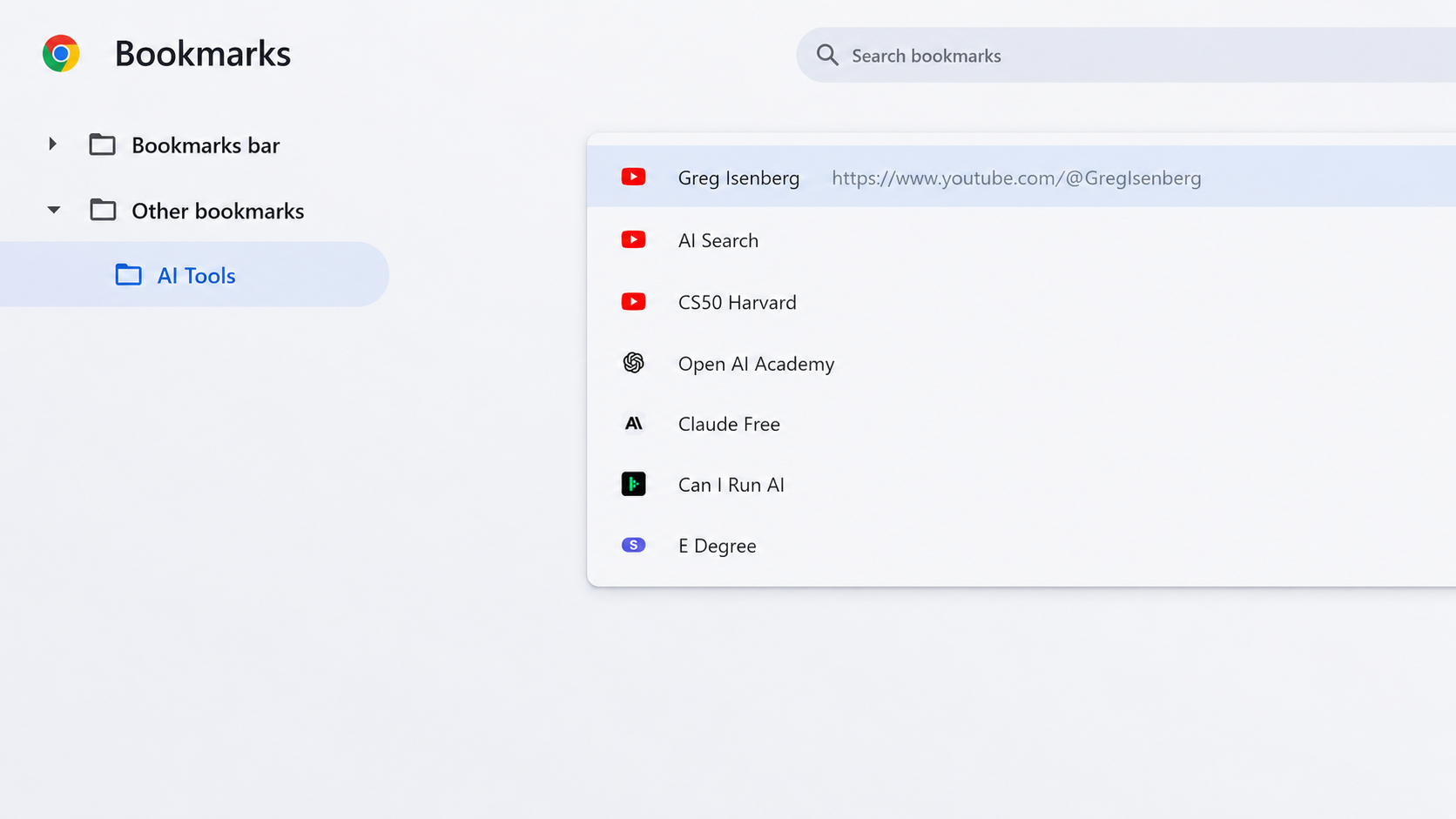
My social media feed is full of advertisement for AI learning courses alluring you to sign up. But to be honest, no one needs a degree to learn AI.
The faster route is to treat the chat window as a tutor rather than a vending machine. Tell it what you already know and what you are trying to do. Ask it to explain a concept at the level of someone with no background, then ask it to explain the same thing again to someone who does. None of this requires a course.
What courses give you is structure, and structure is worth something when you don’t yet know what you don’t know. Here are the ones worth your evenings.
Here I share my bookmarked AI resources that you can learn the most practical, frontier AI knowledge, and a low-cost E-Degree at the end, if you really need a written proof.
Greg Isenberg is where you go if the goal is a business, not a certificate. The channel runs on a simple premise: he and his guests talk through startup ideas out loud, in public, with the specifics left in. Pricing, distribution, what the first customers actually pay for, which ideas are giveaways because nobody wants to do the boring work of building them. It is closer to sitting in on a strategy session than watching a lecture, and it is aimed at people who intend to ship something. youtube.com/@GregIsenberg
The AI Search covers the models themselves, with a strong bias toward video and audio generation, which is the corner of the field that changes fastest and dates worst. The channel moves quickly enough to keep up. It works for beginners, and it stays useful once you are past that. One practical note if you want to generate video on your own machine rather than paying per clip: you will need ComfyUI installed. Budget an afternoon for the setup and don’t be discouraged by the node graph on first contact. youtube.com/@theAIsearch
CS50, Harvard is the opposite end of the spectrum. It is foundations. Python, how machines actually make decisions, what is happening underneath the chat interface. CS50 has been taught at Harvard since 2006 and put online for free for years, and it remains one of the few free courses with genuinely high production standards and a genuinely high standard of teaching. If you have ever wanted to stop treating AI as a magic box, this is the on-ramp. Watch the lecture
OpenAI Academy is the company’s own teaching hub, which is both its strength and its limit. You will learn OpenAI’s tools from the people who built them, in more depth than any third-party tutorial will give you. You will also be learning inside one ecosystem. Useful, as long as you know that going in. academy.openai.com
Anthropic’s free courses are built around a course called AI Fluency: Framework & Foundations, made with two academics, Prof. Joseph Feller of University College Cork and Prof. Rick Dakan of Ringling College. Twelve lessons, three to four hours, and it is less about button-clicking than about how to work with an AI system well: how to hand off a task, how to describe what you want, how to judge whether the answer you got back is any good. That last skill is the one most people are missing and the one that transfers to every model you will ever use. anthropic.com/learn/claude-for-you
If you don’t want your work leaving your desk
Data safety is the reasonable objection, and it has a practical answer. Open-weight models can run entirely on your own hardware. Nothing is uploaded, nothing is logged by a provider, and the thing keeps working when your internet doesn’t.
The catch is hardware. Before you download anything, find out what your machine can actually handle. CanIRun.ai reads your GPU or Apple chip in the browser, no account needed, and ranks the open models that will fit in the memory you have. It is blunt about it, which is the useful part. canirun.ai
The rough shape of the answer: 8GB of video memory runs small chat models in the 3B to 9B range. 12GB gets you into the low teens. 16GB handles 20B to 27B models comfortably. At 24GB and up you are into 30B models and local image and video generation. On a Mac, the number that matters is unified memory rather than a separate graphics card, so an M-series machine with generous RAM does better than the spec sheet suggests.
Once you know what fits, LM Studio and Ollama both install a local model in a few minutes. LM Studio gives you a chat window and a model browser and hides the plumbing. Ollama is a command-line tool and pairs well with anything you want to script. Either is a fine first choice, and switching later costs nothing.
And if you really do need a written proof of AI ability…
There is a cheap way to satisfy that. StackSocial regularly runs Eduonix’s Complete ChatGPT & Gemini AI Advanced E-Degree at $19.99, against a nominal list price of $790. It is 65 lectures and around ten hours, lifetime access, beginner level, built around practical projects: AI for marketing copy and blogs, images for social and web design, video and audio, task automation, custom agents. View the course details
Every resource above is a shortcut to AI literacy: the ability to look at a problem in your own work and see, quickly, whether an AI tool is the right instrument for it.